Friday, 7 August 2020

The super slim ASUS ZenBook 13 and 14 2020 arrives in PH, starts at PHP 54,995

ASUS recently launched its newest line of ultra-slim notebooks in the Philippines--the ZenBook 13 and 14.
The super slim ASUS ZenBook 13 and 14 2020 arrives in PH, starts at PHP 54,995
ASUS ZenBook 13 and 14 2020

Super-slim laptops with full I/O ports!

Both laptops boast also military-grade certification for durability, NanoEdge screens, Intel Core i5-1035G1 chips with Intel UHD Graphics, and complete ports despite the slim profile. ASUS claims that the ZenBook 13 is the world's thinnest laptop with full I/O ports.

The ports include the 1x microSD card reader, 2x Thunderbolt 3 USB-C with ASUS USB-C Easy Charge, 1x USB 3.2 Gen 1 Type-A, and 1x HDMI 2.0.

The laptops also highlight an edge-to-edge keyboard with ASUS NumberPad 2.0 and Built-in ASUS SonicMaster Harman Kardon-certified speakers.
Slim design
Slim design

ASUS ZenBook 13 (UX325) features a Pine Grey colorway, 13.3-inch FHD 1920 x 1080 screen, 8GB LPDDR4X RAM, 512GB PCIe 3.0 x2 NVMe SSD, 67WHr lithium polymer battery, IR camera with Windows Hello, built-in array microphones with Cortana and Alexa support, WiFi 6 GIG+, and Bluetooth 5.0. 

The laptop measures at 304 x 203 x 13.9 mm and weighs 1.07 kg.

ASUS ZenBook 14 (UX425), on the other hand, comes in Lilac Mist color and a larger 14-inch FHD NanoEdge display with 300 nits brightness. The rest is the same as ZenBook 13. 

Both run with Windows 10 Home OS with MyASUS mobile connectivity.

It measures at 319 x 208 x 13.9 mm and weighs 1.13 kg.

Price and availability

ASUS ZenBook 13 (UX325) - PHP 54,995

The ZenBook 13 is now available at the ASUS E-Store, Lazada, Shopee, ASUS concept stores, and partner dealers.

ASUS ZenBook 14 (UX425) will be available in mid-August 2020. Stay tuned for its SRP.

The two laptops are also a part of the company's Gear Up for the New Normal promo. Those who will purchase the laptop before August 31 will get a FREE Globe at Home Prepaid WiFi router and PHP 5,000 e-voucher that can be used to buy ASUS products in select official Lazada stores.


from GIZGUIDE | Your Gadget Coach https://ift.tt/2DP7CCU

5 best Korean to English dictionaries and phrasebooks for Android!

Simply Learn Korean Korean to English dictionaries and phrasebooks for Android
Korean isn’t the most popular language in the world. However, it’s no less beautiful than Japanese, Chinese, or any other Asian language. People mostly use phrasebooks and dictionaries from the airport bookstore for this kind of stuff. However, there are mobile apps that do the same thing. They also cost less and you have your smartphone on you most of the time anyway. We can help you find some excellent stuff for your next trip to (probably) South Korea. Here are the best Korean to English dictionaries and phrasebooks for Android!

Credit: Joe Hindy/ Android Authority
  1. Dictionary Linguee
  2. Google Play Books
  3. Google Translate
  4. Learn Korean Phrases
  5. Any Korean learning app (link to Simply Learn Korean)

Dictionary Linguee

Price: Free

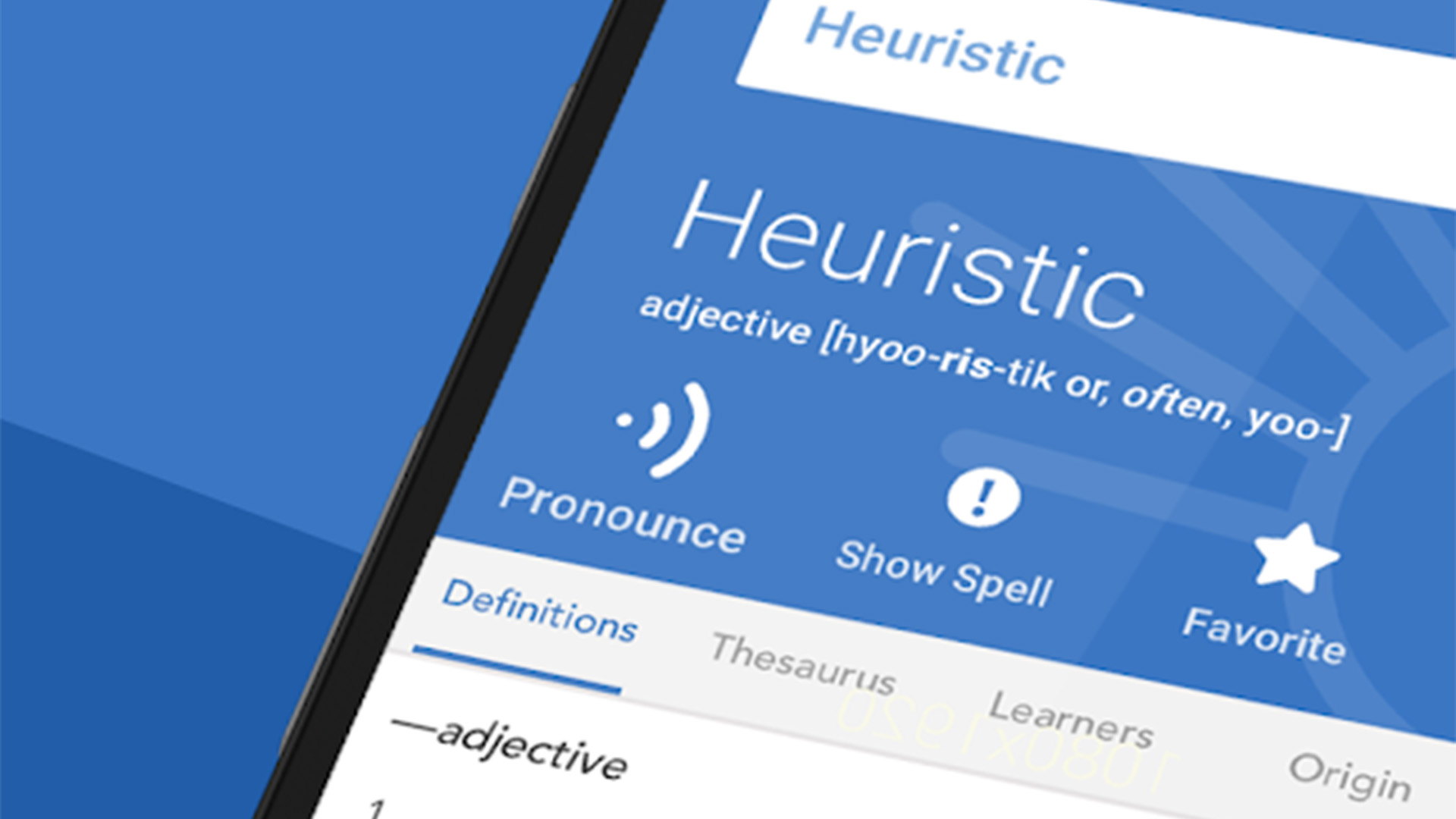
Dictionary Linguee is a powerful multilingual dictionary. It supports dozens of languages and that includes Korean. The app features cross-language translation, definitions, pronunciations, and more. You also get offline support if you need it. This is especially excellent since Korea, Japan, and China are all next to each other. This app supports all three languages. That makes it a great option for travelers looking for Korean to English dictionaries. It’s also free as far as we can tell with no ads or in-app purchases. The user interface is also fairly clean and easy.


Google Play Books (and similar apps)

Price: Free / Book prices vary

You can still buy old school phrasebooks and dictionaries in ebook format. Google Play Books (and Amazon Kindle, along with similar apps) has a bunch of them. Most of them are fairly competent and cost less than $10. They won’t get destroyed if you get them wet like old school phrasebooks. Plus, most ebook apps feature downloads for offline use and syncing between devices. That is especially helpful if you have a family account on Google. You buy the book once and your family can share it on their devices. The Suvrival Korean series by Stephen Revere is a good place to start.

Google Play Books screenshot 2019 Final


Google Translate

Price: Free

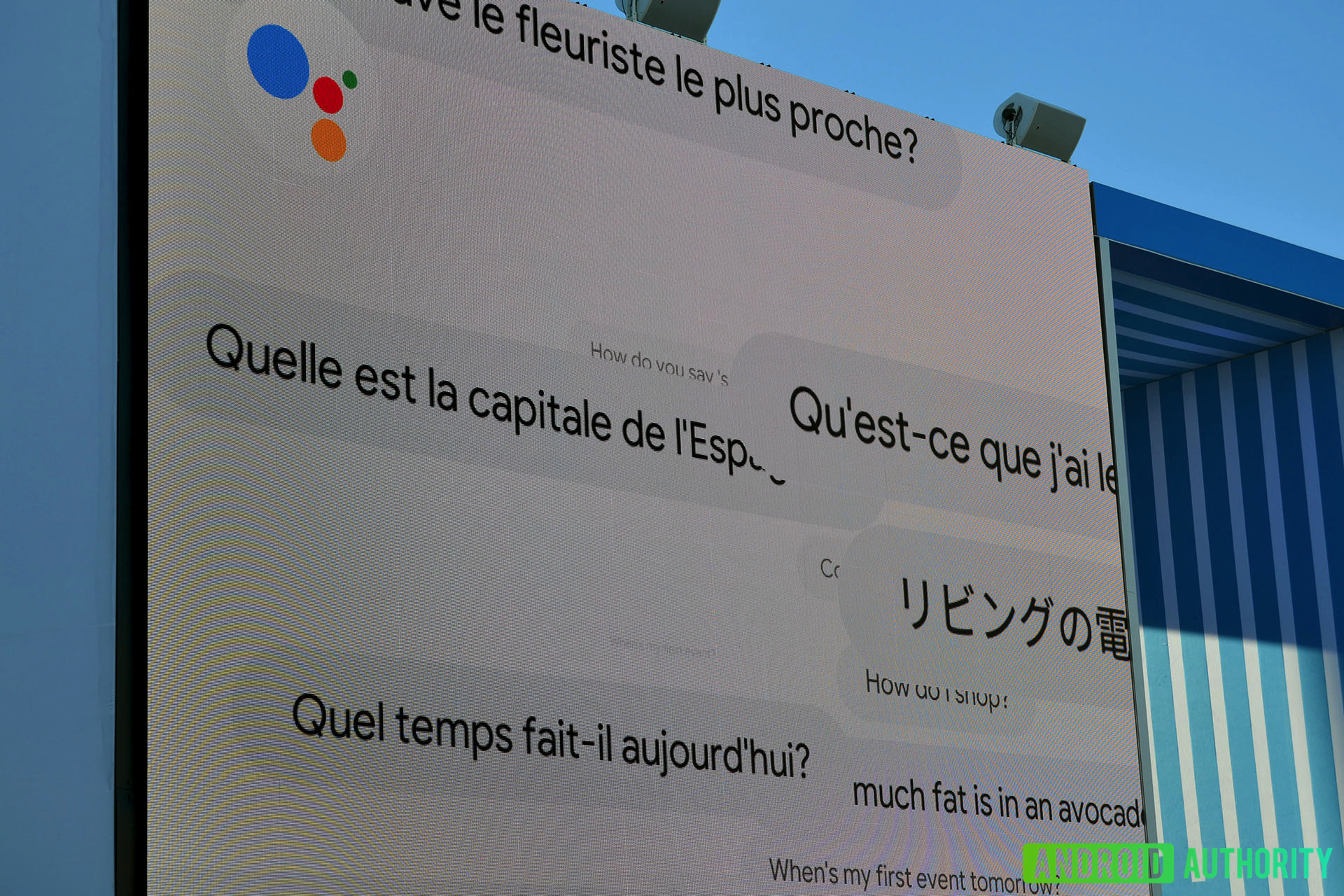
Google Translate is probably our first recommendation for this kind of stuff. It translates 103 languages online (via typing) and 59 languages offline. The app also features a camera mode where you can translate anything you can point a camera app. It also comes with a two-way conversation mode, definitions, and a phrasebook built-in. There really isn’t anything wrong with this app and has all of the features that travelers and vacationers need. It’s a top notch app and it’s also free with no in-app purchases or ads. Microsoft Translate is also quite good if you want something a little bit different.

google translate best english to korean dictionaries for android


Learn Korean Phrases

Price: Free / Up to $4.99

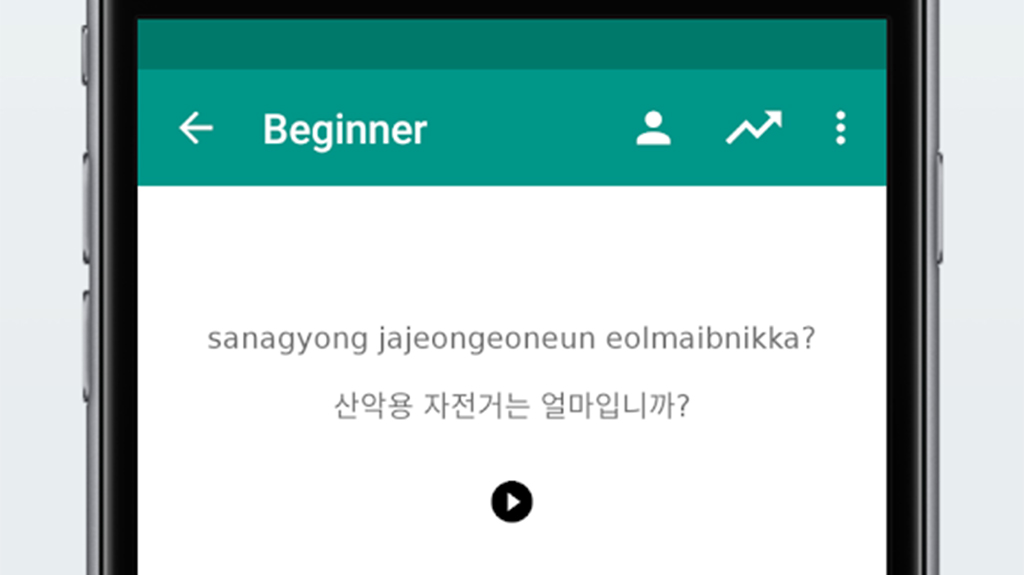
Learn Korean Phrases is a fairly standard phrasebook for Korean. It features a bunch of useful phrases, spellings, and translations. Additionally, you get a full offline mode, a keyword search, and even customizable font sizes for you older or otherwise visually impaired folks. There are also audio pronunciations as well. This works better as a phrasebook than a dictionary. The ads are also fairly horrible. We recommend springing for the full version with no ads if you like it.

Learn Korean Phrases - best korean to english dictionaries


Any Korean learning app

Price: Free / Varies

Most Korean learning apps have phrasebooks and dictionaries. It’s a bit of a roundabout way of getting them, but they are there. Rosetta Stone, Duolingo, Memrise, Language Drops, and several others have all of this information. They are decidedly more expensive than a simple phrasebook or dictionary. However, they also actually teach you the language instead of just a few phrases. It may not be the best idea for the occasional trip or vacation. However, those with more than a passing interesting can try one of these solutions. We have the full best list linked up under the first paragraph.

Simply Learn Korean - best korean to english dictionaries for android


10 best translation apps for Android!

10 best dictionary apps for Android!

If we missed any great Korean to English dictionaries or phrasebooks, tell us about them in the comments! You can also click here to check out our latest Android app and game lists!


from Android Authority https://ift.tt/2uIxiJd

Sabbat Vooplay Shadow TWS with aptX will be available in PH this August, priced!

Local retailer of premium gadgets and accessories Digital Walker revealed that the Sabbat Vooplay Shadow TWS earphones will be available in the Philippines in mid-August of 2020.
Sabbat Vooplay Shadow TWS with aptX will be available in PH this August, priced!
Sabbat Vooplay Shadow TWS

Great sounding open buds with massive soundstage for less

Tiny body with open ear design

The 
Sabbat Vooplay Shadow is a premium designed TWS buds with an open ear design. It uses a 14.2mm Biology Fibre Driver to deliver deep bass, clear tones, crystal clear crisp treble, and wide stereo effect.

Sabbat noted that both left and right earphones can be used independently. Both also come with single button control.


Function Guide:

R/L short press for Power On/Play/Pause/Answer/Hang Up
R/L long press for 2 seconds for Wake Up Siri/Reject Call
R/L long press for 4 seconds for Power Off
R double click for Next Song, click three times for Volume Up
L double click for Previous Song, click three times for Volume Down

The earphones also highlight a microphone on each side with CVC 8.0 Noise Canceling solution to help users achieve clearer calls, Bluetooth 5.0 (QCC 3020 chip) which supports A2DP/AVRCP/HFP/HSP, aptX, ACC codecs, up 6 hours of battery life on a single charge, and a 390mAh case which can provide the earphones a total of 40 hours batt life.
Faux leather case
Faux leather case

Vooplay Shadow charges via a reversible USB-C port, but it also has Qi wireless charging tech.


Sabbat Vooplay Shadow Specs

Driver: 14.2mm Biology Fibre Driver
Frequency response: 20-20000Hz
Impedance: 32 Ohms 
Sensitivity: 101+/-3db@1k, 1mw
Microphone: Microphone w/ CVC 8.0 Noise Canceling 
Battery: 390mAh (case) w/ Qi wireless charging
Connectivity: Bluetooth 5.0 (QCC 3020 chip), supports A2DP/AVRCP/HFP/HSP, aptX, ACC
Others: USB-C, Colors: Cereal, Lynn, Reef, Shadow, Glacier, Moss
Price: PHP 2,990


Price and availability

The Sabbat Vooplay Shadow will be available at Digital Walker stores and Home Office in mid-August of 2020. It is priced at just PHP 2,990.


from GIZGUIDE | Your Gadget Coach https://ift.tt/3aiyt6V

Terrible, space-wasting Google Meet integration is rolling out for Gmail on Android

You can disable it, though

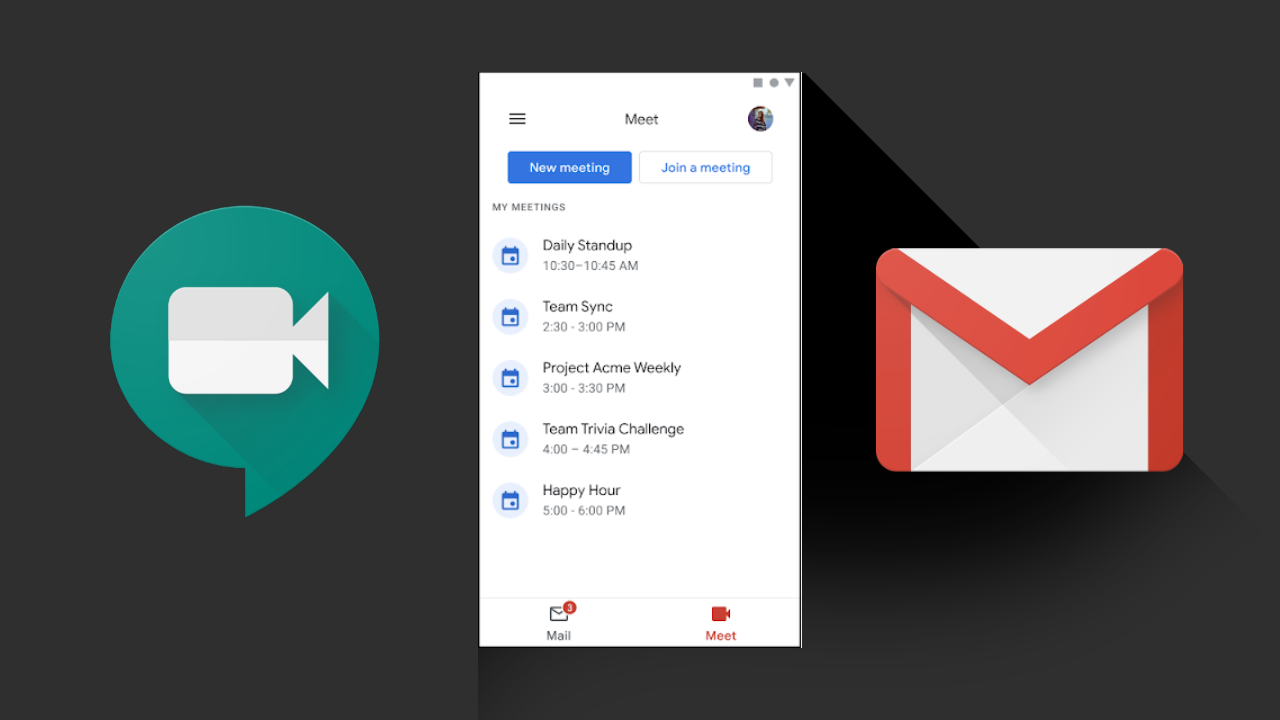
Gmail's rather obnoxious Google Meet integration began to roll out widely to users of the app today on Android, signaling that the space-wasting UI tweak is moving full steam ahead. Our devices have started receiving it, and it's just as annoying as you'd expect, eating a solid 10-20% of your Gmail inbox list UI depending on how long your display is. It's a blatant attempt to shoehorn Meet into an extremely popular Google app, as Google commits to offensive action in the videoconferencing wars.

Read More

Terrible, space-wasting Google Meet integration is rolling out for Gmail on Android was written by the awesome team at Android Police.


from Android Police – Android news, reviews, apps, games, phones, tablets https://ift.tt/3iiAv9I

how do i fix my filza not installing .deb files?

i wanted to install hacks such as the mortal kombat hack and it looks completely fine on install page but the mod menu does not show up when i go into the game. how do i fix? should i just delete and reinstall filza?

from iOSGods RSS Feed https://ift.tt/3ijP0Kl