Huami’s Amazfit series has always piqued my interest, not just because the company also makes the ultra-popular Xiaomi Mi Band, but because Amazfit wearables offer a ton of features at affordable price points. One of the biggest strengths of the Amazfit smartwatches we’ve reviewed in the past — the T-Rex or GTS — is their long battery life. However, we’ve so far been unimpressed by the software features and app experience these wearables bring to the table.
The Amazfit Bip S carries forward Huami’s tried and tested formula. It’s a follow up to the 2018 Amazfit Bip and retains the same squarish build that’s reminiscent of the Apple Watch. The screen size and lightweight body also remain largely unchanged. That said, there are some notable upgrades under the hood, including better water resistance, a more capable heart rate sensor, and an improved display. With all this and more, does the Amazfit Bip S manage to bury the ghosts of its predecessors? Read on for our full Amazfit Bip S review.
About this Huami Amazfit Bip S review: I used the Amazfit Bip S for a little over one week, running firmware version 2.1.1.02. I paired the Amazfit Bip S review unit with my
Apple iPhone SE (2020) for the duration of this review. Huami supplied
Android Authority with the Amazfit Bip S review unit.
Show More
What is the Amazfit Bip S?

While Huami would very much like to call the Amazfit Bip S a smartwatch, it’s not really worthy of that status. It can’t take or make calls, it doesn’t support third-party apps, and its software experience is pretty basic.
It does bring a bunch of activity tracking features to the table. These include outdoor running, treadmill, cycling, walking, and swimming. Compared to the 2018 model, the only major difference here is the addition of swim tracking. The Amazfit Bip S comes with a 5ATM rating, which means it can withstand submersion up to 50m. In contrast, the original Bip could withstand a maximum depth of 1.5m with its IP68 rating.
Elsewhere, the Amazfit Bip S packs a bigger 200mAh battery, Bluetooth 5.0 (up from 4.0), an improved PPG optical heart rate sensor, a Sony 28nm built-in GPS chip, and the same promise of 40-day battery life.
Best Fitbit trackers and smartwatches (June 2020)
Fitbit, currently one of the most well-known names in the fitness tracking world, has many different models to choose from. Which of them is the best Fitbit device for you? Should you pick up one …
As mentioned earlier, it doesn’t let you answer calls or notifications. However, it does buzz and provides you with alerts.
Amazfit Bip S: Price, availability, and competition
The Amazfit Bip S isn’t officially available in the US, but you can get it on Gearbest for $79.99. In India, where we reviewed the watch, it’s slightly cheaper at Rs. 4,999 (~$66) on Amazon.
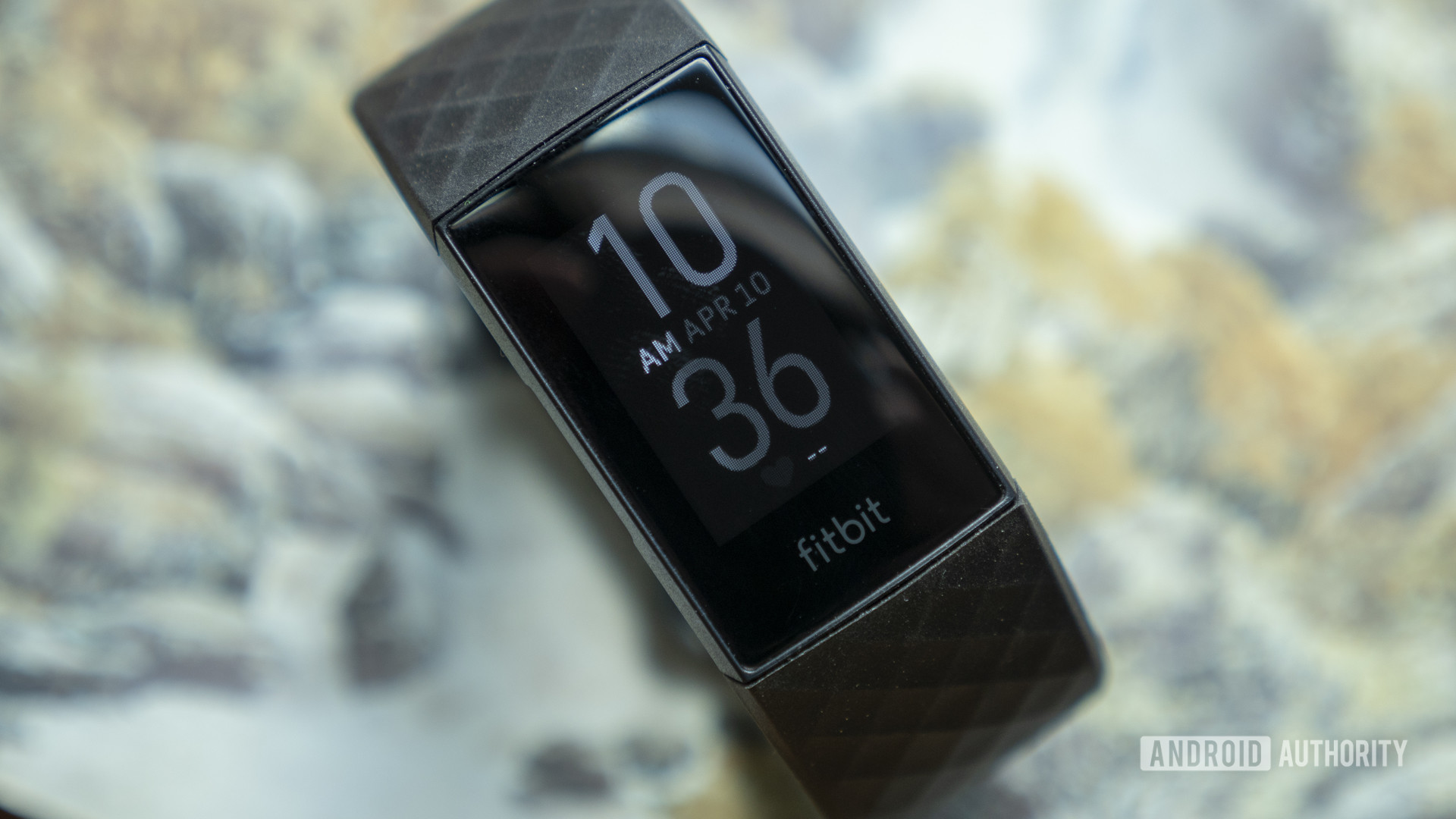
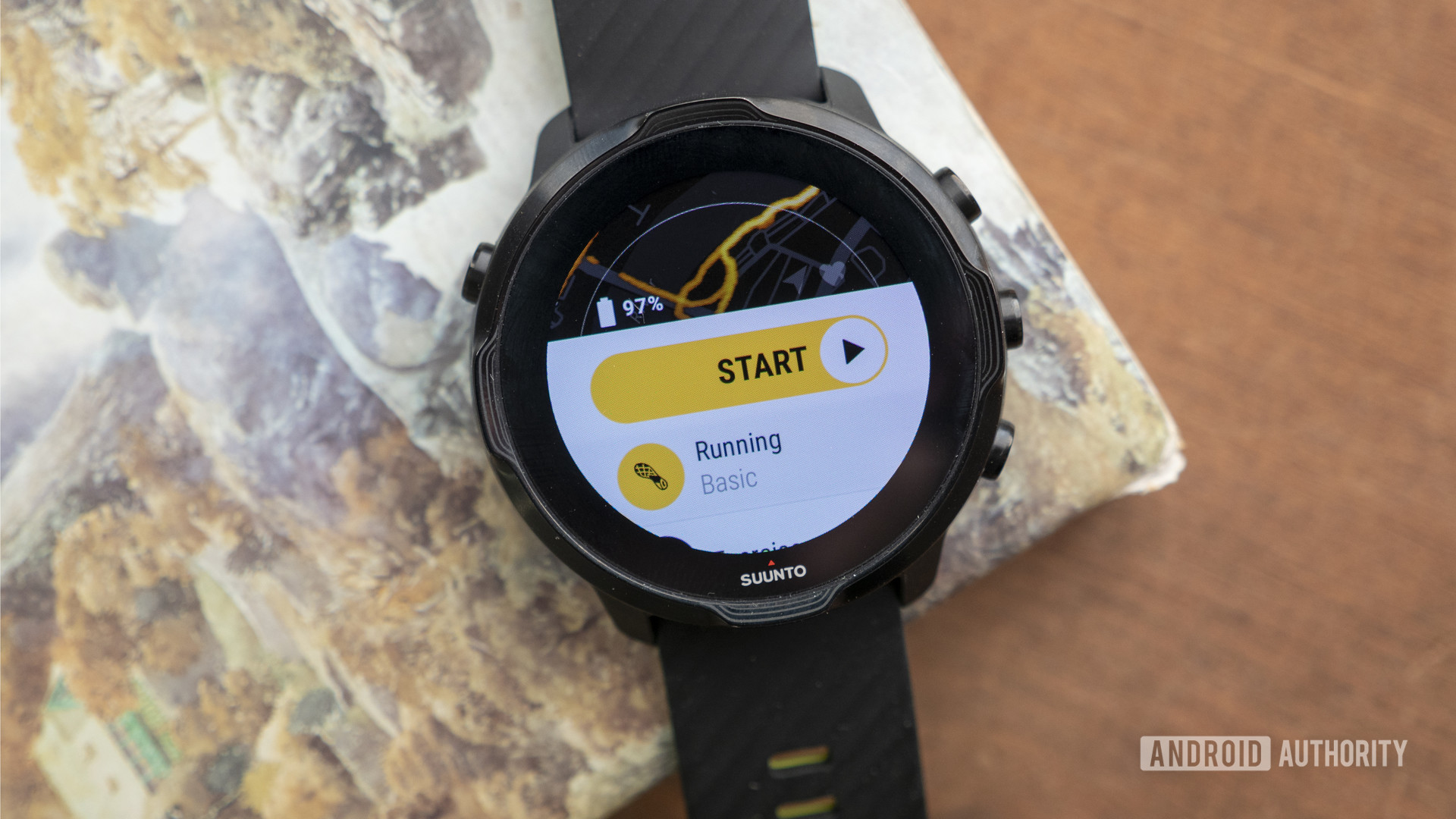
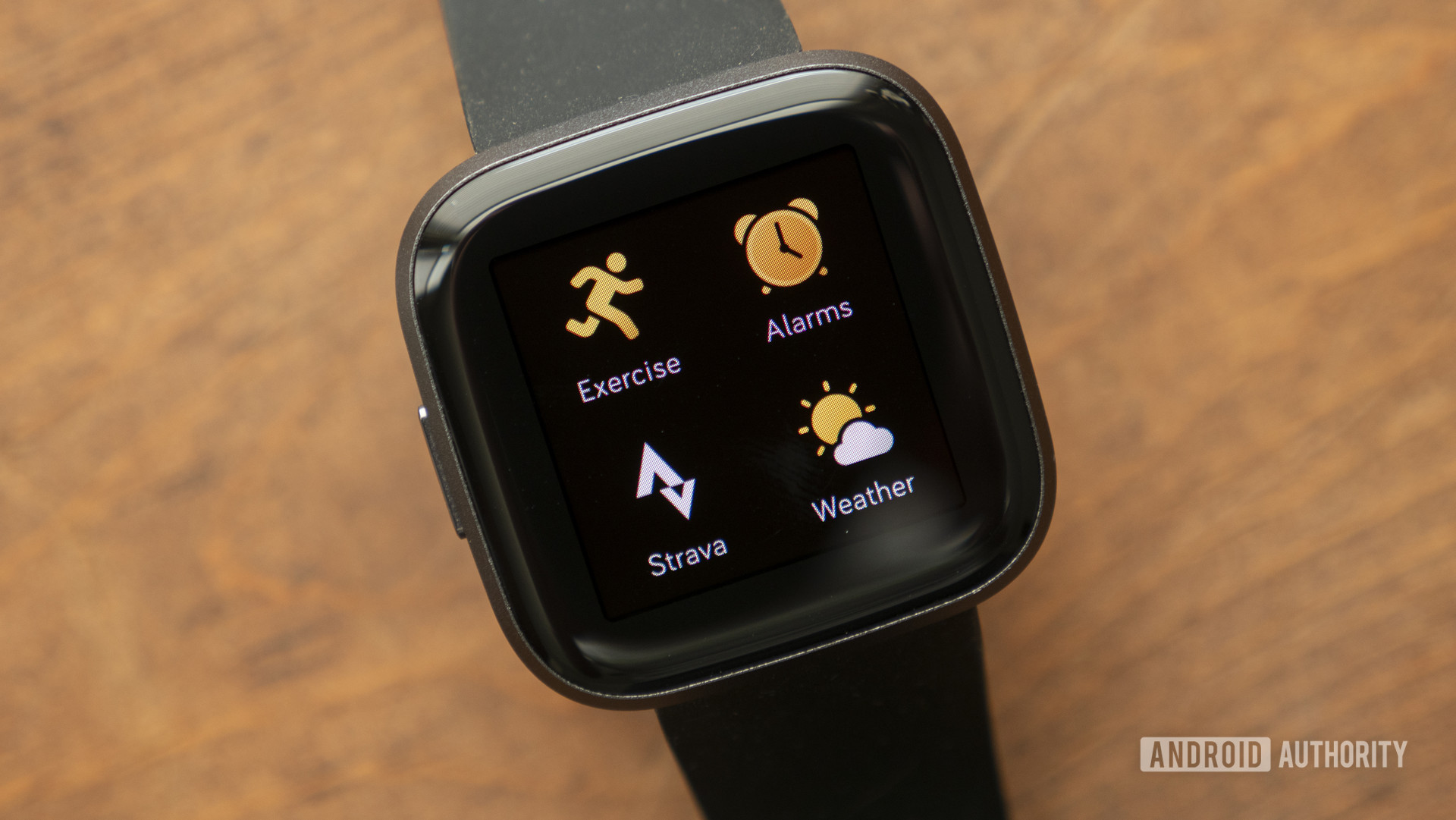
In its own ecosystem, the Bip S sits between the $139 Amazfit T-Rex and the original Bip, which is still available in the US for a reduced price of $69.99. However, if you compare it to the competition, it’s much cheaper. Here’s how other budget fitness trackers with similar functionalities line up against the Bip S: Fitbit Charge 4 ($149.95); Fitbit Versa 2 ($199); Garmin Forerunner 45 ($149); and Garmin Vivosport ($193)
Related: The best smartwatch deals
That said, the Amazfit Bip S does make some compromises compared to the more expensive competition. For one, its polycarbonate body and silicone strap feel cheap compared to the rest. The seamless smartphone connectivity that you might take for granted on the Fitbits and Garmins is also a huge problem area of the Amazfit Bip S.
The full list of Amazfit Bip S specs can be found below.
| |
Huami Amazfit Bip S |
| Display |
1.28-inch TFT color display
64 RGB color gamut
176 x 176 resolution
2.5D Corning Gorilla Glass
Anti-fingerprint coating |
| Sensors |
BioTracker PPG optical heart rate sensor
3-axis acceleration sensor
3-axis geomagnetic sensor |
| Battery |
200mAh |
| Connectivity |
Bluetooth 5.0 BLE
Sony 28nm GPS + GLONASS dual positioning chip |
| Tracking and other features |
Outdoor running
Treadmill
Walking
Cycling
Sleep
Swimming (open water and pool)
Elliptical trainer (expected)
Yoga (expected)
Freestyle (expected)
Continuous heart rate monitoring
Music control
App and call notifications
5ATM water resistance
Compass |
| Charging method |
Clip/2-pins POGO pin |
| Strap |
20mm wide
85mm-110mm long |
| Supported devices |
Android 5.0 or iOS 10.0 and above |
| Colors |
Red Orange, Warm Pink, White Rock, Carbon Black |
Amazfit Bip S: The pros

First and foremost, the thing you expect from a fitness wearable is that it does what it’s built to do — accurately track fitness activities. In this aspect, the Amazfit Bip S is a huge improvement over the more expensive Amazfit GTS that I last reviewed. Step tracking on the smartwatch is pretty accurate, and when I compared it to the Apple Health app and Mi Band 4 the results were pretty close.
Why you might want to take fitness tracker accuracy with a grain of salt
Fitness devices are getting more and more powerful every year. Companies such as Garmin, Fitbit, Samsung, and others are always adding new features to their devices that keep track of everything from simple step counts …
Accurate step and GPS tracking
After an evening walk around the block, my Amazfit Bip S recorded 3,914 steps. In comparison, the Mi Band 4 registered 3,900 steps, while the Apple Health app on my phone counted 3,956 steps. The difference across all three platforms is marginal and that’s the first reassuring sign that the Amazfit Bip S does a good job of activity tracking.

The other impressive feature of the smartwatch is its in-built GPS. The Sony chip takes a minute or two to lock on, but works just fine for tracking runs and walks. In a 3km brisk walking session, the watch managed to trace my path perfectly. The slight issue was when I walked into my building complex. As you can see in the third screenshot, I seem to be walking through some buildings whereas I was walking just beside them. The path corrects itself later as I entered the garden area of my complex. So yeah, there are some small chinks to fix, but largely the GPS managed to run pretty decently.
What I also liked was that I could see a very clear satellite map of my route on the Amazfit app, with the ability to zoom into the exact start and finish points. I wish I could have tested the GPS accuracy in more challenging conditions, but the current lockdown situation here in India prevented me from going much further than my own neighborhood
Battery life for days
The biggest advantage of the Amazfit Bip S is its battery life. After eight days of usage, it still has 44% capacity left to exhaust. This was with all app notifications switched on, 30 minutes of GPS use every day, brightness at almost 60% (sometimes adjusted to 100%), and continuous heart rate monitoring.
Compared to the Apple Watch Series 4 that I was using before, the seemingly endless battery life was a huge relief. True, there’s no comparison between the Apple Watch and the Bip S from certain aspects, but if it needs charging after every few hours, the experience is that much more excruciating.

Nevertheless, it’s safe to say the Amazfit Bip S will last you for 15 days easily, even if you go for walks or runs every day. The company promises up to 40 days of battery life if you use the watch with basic settings. From what I’ve seen, I believe it.
Reliable heart rate readings

When it comes to heart rate tracking, the Amazfit Bip S is capable of continuous 24-hour monitoring. You can set it up to measure your heart rate every minute, or every 30 minutes. The optical sensor is made in-house by Huami and is fairly accurate compared to the Mi Band 4 and even the Apple Watch 4’s electrical system. At the peak of a 30-minute dance routine, the Amazfit Bip S read my heart rate at 165 BPM, while both the Mi Band and Apple Watch read it at 164 BPM.
The Amazfit app also provides useful data on your maximum, minimum, and average heart rate during the day. You can even monitor your changing heart rate in real-time on the watch when you start one of the preloaded workouts. Once you complete a workout, you can view helpful graphs on the Amazfit app reflecting the changes in your heart rate in relation to the speed and intensity of your activity. If you like the whole graphical approach to fitness tracking, you won’t be disappointed. There’s just enough data here to keep you interested.
Amazfit Bip S: The cons

All is well with the Amazfit Bip S until you start using the app. The Amazfit app UI itself isn’t such a big problem, although it could be better. However, connectivity is unreliable, to say the least.
Painful app connectivity
Each time you fire up the app, it takes a good few minutes to sync and reflect the latest data from the watch. This is despite an active Bluetooth connection. The situation worsened for me when my phone restarted, in which case the Bluetooth connection was dropped for a bit. I had to manually unpair the watch from my phone’s Bluetooth settings many times after the Bluetooth was switched off and on again. Only after manually unpairing the watch did the app let me pair it again to my phone. This was pretty annoying and I would have liked the watch to pair automatically when I’ve already given the app Bluetooth access in permissions.
However, as of writing this review, the issue seems to have corrected itself a bit. I forcefully switched off the Bluetooth on my phone several times to recreate the problem and was able to do so thrice in ten tries. Still, the problem did persist. When I reached out to Huami, I was told it might be a firmware bug. We will update you on any software updates going forward.
The best Fitbit apps: Get the most out of your fitness tracker
Fitness trackers usually have small monochrome screens and offer less features than their smartwatch counterparts. However, that is not the case with the Fitbit Versa, Fitbit Versa 2, and Fitbit Ionic. There are plenty of …
Pairing the Amazfit Bip S to the phone during the setup process was also a pain. For the longest time, it simply refused to pair with my iPhone SE. I had to uninstall and reinstall the app twice before I could get the pairing to work. I repeated the process on a Google Pixel 3 just to check if the problem existed on the Android platform as well and, sure enough, it didn’t connect on the first go.
As per Huami’s advice, I had to clear the Bluetooth cache from my phone, restart the phone, and re-login to the Amazfit app for the watch to connect. I can only imagine how difficult it would be for users who don’t have access to immediate help from the company to try and figure this out for themselves.
Unstructured updates
There’s no structured way in which updates arrive on the Bip S. The watch randomly starts updating its firmware or other GPS settings. Sometimes, these updates take a long time, rendering the app and the watch useless for the duration. Sadly, there’s no way to switch off automatic updates.
Music controls are useless
Another small, but noticeable issue is that you can’t control your music from the watch during a workout session. When you start an activity such as running or walking, the screen remains glued to that activity and you can’t do anything else without first ending the workout. Whenever I started recording my walks on the watch, I had to whip out my phone to change the tracks. Why provide a feature if it’s basically unusable?
Doesn’t record freestyle workouts
Lastly, the Amazfit Bip S has no way to record freestyle workouts, such as dancing or yoga. The company does advertise these on its website, but I am guessing they’ll be added with a software update at a later date. If you are stuck at home without a treadmill to run on, you’re pretty much restricted to only counting your steps and measuring your heart rate. I reached out to Amazfit and they confirmed that they’ll soon roll out a firmware update to add tracking for yoga, elliptical trainer, and freestyle workouts.
Amazfit Bip S review: The verdict

All in all, the Amazfit Bip S is a pretty good activity tracker for its price. It’s cheap, yet offers accurate tracking, a lightweight design, a good level of water resistance, a decent (albeit slightly reflective) display, and a comfortable fit. I didn’t have any issues with the watch itself, but app connectivity and usability is a big drawback. This was the same problem I had with the Amazfit GTS and the same problem Jimmy had with the T-Rex. It’s about time the company worked on a solution. It’s the one thing that holds down the Amazfit Bip S and other Amazfit smartwatches.
If a firmware update resolves the app connectivity issues I faced with the Bip S, then it’s definitely worth considering at the low price. It’s hard to downright dismiss the watch because it does do the job of activity tracking pretty well, but app connectivity issues make it difficult to recommend right now.
Huami Amazfit Bip S Huami Amazfit Bip S
The Amazfit Bip S is a great fitness tracker if you're looking for reliable stats and accurate GPS tracking under $100. Its only drawback is spotty connectivity with the Amazfit app, but if you're willing to live with that, the Bip S is a good buy.
More posts about Fitness trackers and smartwatches
from Android Authority https://ift.tt/3dDtkam