
The Huawei Mate 40 Pro is arguably the Chinese company’s most eagerly anticipated launch of the year. The Mate 30 Pro successor is expected to close out 12 months of mixed fortunes for the Chinese giant that has seen it top global smartphone shipments for the first time in its history, but lose a lot of ground outside of China due to the continuing impact of the US trade ban.
Nevertheless, every major Huawei release is still a key event in the smartphone calendar and the Mate series represents the pinnacle of the brand’s mobile portfolio. Looking back at previous Mate devices, it wouldn’t be far-fetched to expect the Mate 40 Pro to sport an upgraded chipset, daring design decisions, and notable camera improvements borrowed from the photography-focused P series.
We’ve rounded up everything we know about the Mate 40 Pro — as well as the vanilla Mate 40 — with all the leaks, rumors, and confirmed details so far. Here’s everything we know about the Huawei Mate 40 Pro.
Editor’s note: We’ll update this article as more information is revealed, so be sure to bookmark this page.
When is the Huawei Mate 40 Pro release date?
The Huawei Mate 30 series was announced in September 2019, while the Mate 20 appeared in October 2018. Because of this, if we were to posit a guess for the Mate 40 Pro release date, it would be sometime in September or October, 2020. However, considering the effects of the COVID-19 pandemic on other smartphone makers and the ongoing US ban on Huawei, we wouldn’t be surprised if the Chinese firm delayed the launch of the Mate 40 Pro to a later date.
As for the name, Huawei’s consumer business chief, Yu Chengdong confirmed that 2020’s Mate series will receive the Huawei Mate 40 moniker, as expected. Even if we hadn’t already seen Mate 40 Pro leaks, it wouldn’t have been a stretch to imagine there would be multiple devices in the lineup besides the vanilla Mate 40, including a Pro edition. Previous Mate lines have also seen lavish Porsche Design limited editions and typically disappointing Lite variants. However, it’s unclear if these variants will reprise their roles in the Mate 40 lineup.
Design

It’s likely that Huawei will continue its focus on camera hardware with the Mate 40 Pro with an alleged design that draws attention to this too.
Leaked renders (via PriceBaba) suggest the Mate 40 Pro phone will feature a pill-style selfie camera cutout, similar to the Huawei P40 Pro. This would be a first for the Mate line, which traditionally opted for notches. The Mate 30 Pro required a broad notch that housed additional sensors for face authentication. It’s not clear if Huawei would be able fit these components in the cutout, or if it’ll adopt the secondary infrared camera found on the P40 Pro and P40 Pro Plus.
See also: The best Huawei phones you can buy right now
The Huawei Mate 40 Pro’s screen size is rumored to measure 6.7-inches across. That would be slightly larger than the Mate 30 Pro’s 6.53-inch display, but renders suggest a less aggressive “waterfall” edge on the Mate 40 Pro. This should appease users who hated the sacrifice of practicality for aesthetics on the Mate 30 Pro.
At the rear, the Mate 40 Pro may have a circular camera array, which protrudes by more than a millimeter from the phone’s actual body. Four sensors are indicated, which matches the Mate 30 Pro. Tipster OnLeaks also believes the Mate 40 Pro will be thicker than the Mate 30 Pro, measuring more than 10mm deep at its camera array and 9mm along its edge. OnLeaks also suggests that one of the Mate 40 Pro’s camera will be a telephoto lens.
An IR blaster, single-speaker grille, and the return of physical volume and power controls on the side of the phone are also hinted at in early renders (as seen above).
Specs and features

As per previous Mate lines, expect Huawei to debut its latest Kirin chipset on the Mate 40 Pro. Rumors from as early as September last year from HuaweiCentral suggest that the Kirin 1000 will make its bow within the device.
When confirming the name of the Mate 40 series, Yu Chengdong announced that the series will be the last to feature a Huawei-designed Kirin chipset. This is due to the impending US ban, which comes into effect on September 15. This ban will forbid the company from transacting with US-based firms or firms using US technology, like its chipset manufacturer TSMC.
Read more: Can Huawei survive without its custom Kirin chips?
Nevertheless, expect the 5nm Kirin 1000 to improve on efficiency over the Kirin 990. It’s also rumored that the chipset will employ Arm Cortex-A77 cores, which should provide a performance boost.
[Talk a bit about the Google ban, how the Mate 40 Pro won’t have Google apps like other recent Huawei phones, and the App Gallery situation (can link to this)]
Huawei Mate 40 Pro: Price and availability

It’s too early to say just how much the Huawei Mate 40 Pro will cost, but the previous Mate models can be used as a rough guide. For starters, the Huawei Mate 30 Pro made its debut at €1,099 (~$1,296), which is €50 more than the Huawei Mate 20 Pro’s launch price. If the Mate 40 Pro’s pricing were to follow this pattern and the ever-increasing flagship prices in the global market, we could see a price of anywhere between €1,200 and €1,300, or potentially even higher.
That’s a pretty penny for a phone that lacks Google services, but it would put the Mate 40 Pro in the same ballpark as the Samsung Galaxy Note 20 Ultra, which it competes with on specs and features.
That’s all we know so far about the Huawei Mate 40 Pro, but we do have a few hopes of our own for the next Huawei flagship. Read on for our Mate 40 Pro wishlist!
Huawei Mate 40 Pro: What we want to see
Ditch the waterfall display
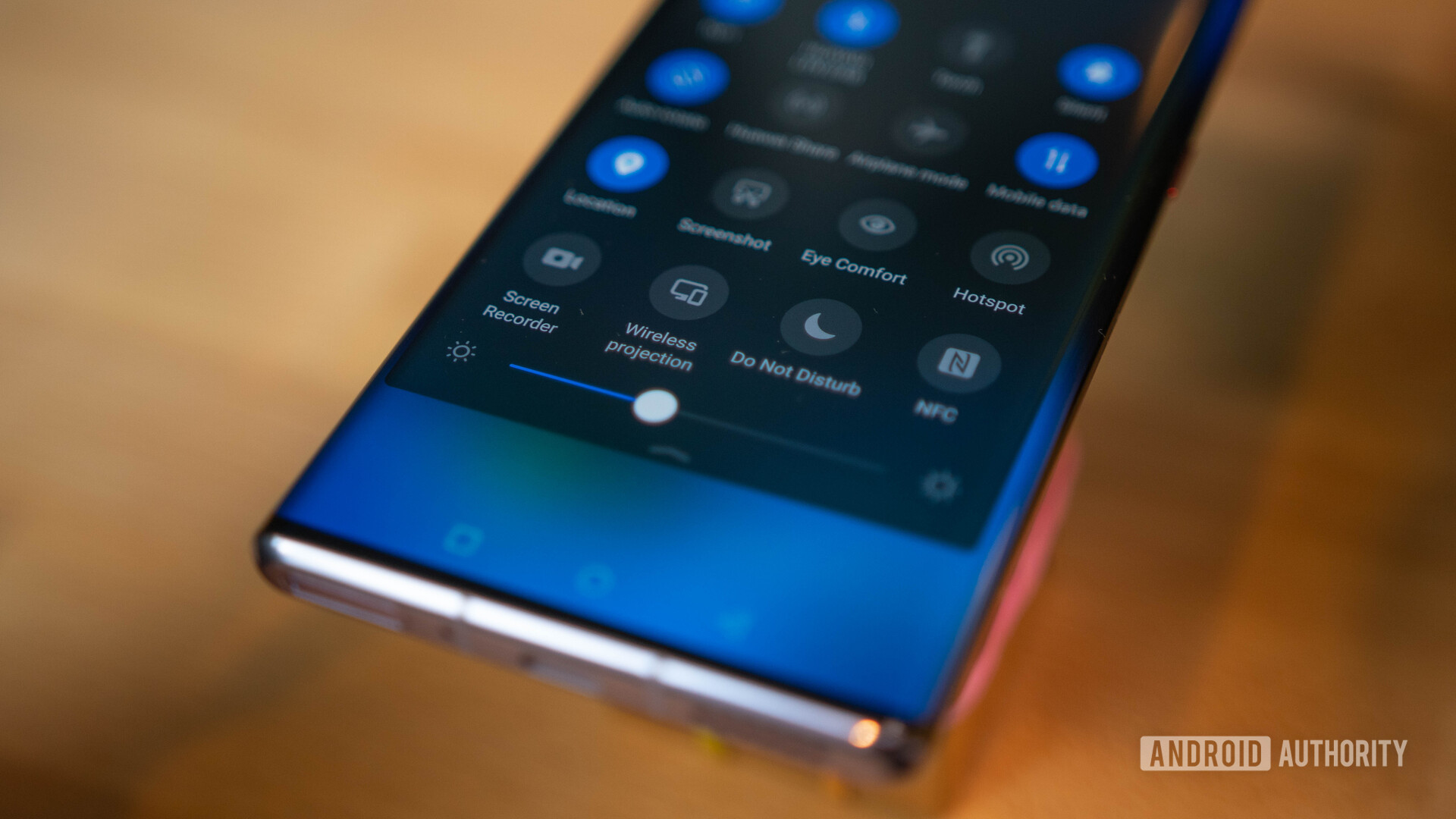
The Mate 30 Pro was one of a couple of phones that launched with a waterfall display last year. This trend sees the screen spill over the edges at a far more drastic angle than a normal curved display.
Our own Bogdan Petrovan hated the feature, owing to the fact that they simply weren’t practical. Huawei has opted for a more traditional curved screen on the P40 Pro series. Here’s hoping it follows suit for the Mate 40 Pro.
A massively upgraded processor
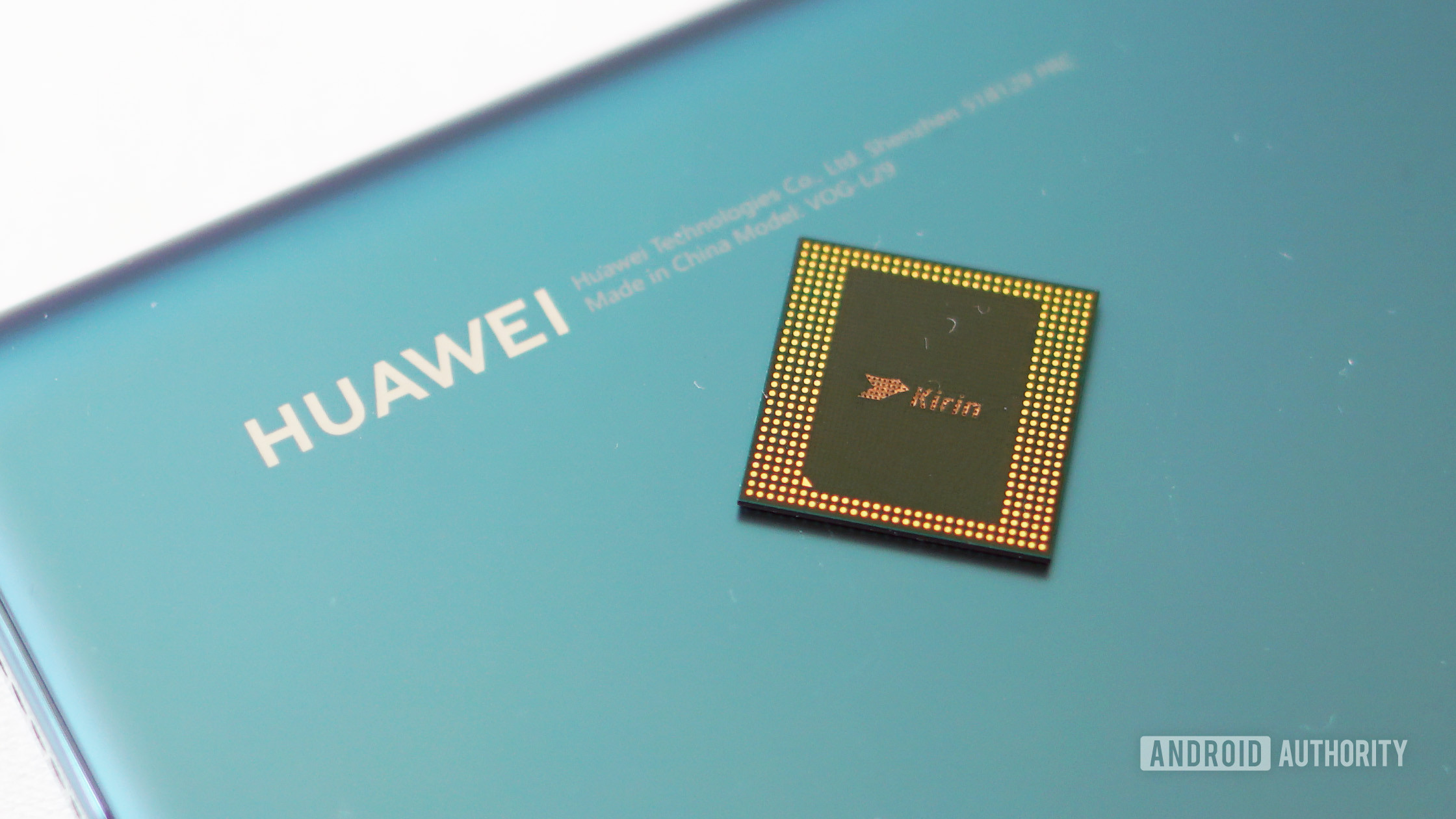
Huawei usually debuts a new Kirin flagship processor in the Mate series each year, with that chipset then being used in the following year’s P series. We’re expecting the same procedure this year, but we’re got our fingers crossed for a major upgrade on the Mate 40 Pro specs sheet.
The Kirin 990 wasn’t a massive upgrade over the Kirin 980, retaining the same CPU and GPU cores, for example. We did see improved machine learning silicon and camera capabilities (i.e. 4K/60fps), but hopefully Huawei adopts Arm’s latest Cortex-X1 and Cortex-A78 CPUs for a massive step forward. Arm’s Mali-G78 would also be a welcome upgrade over the Kirin 990’s Mali-G76 GPU.
8K recording and video snap
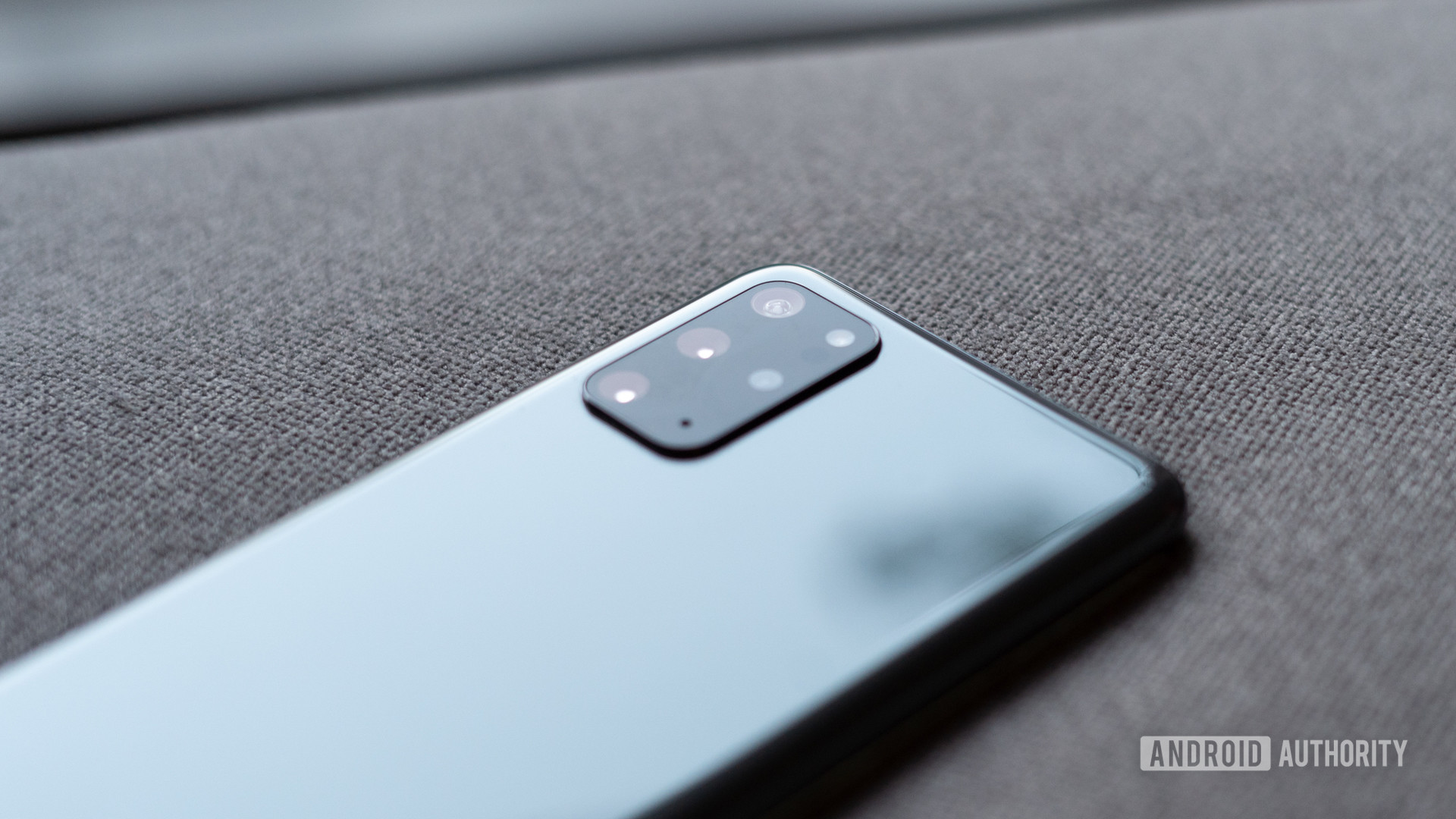
Samsung’s Galaxy S20 series offers 8K recording, making for a big leap over 4K video recording in theory. We’d like to see the Huawei Mate 40 Pro camera support this option too, but not just for the sake of having a higher resolution format.
Read: Maybe don’t buy into the 8K video recording hype yet
Samsung’s flagships allow you to extract 33MP frames from 8K clips too, essentially giving you a burst mode of sorts. We’d love to see the Huawei Mate 40 Pro offer a similar feature, bringing more flexibility to the table. This could be handy for situations where you can’t decide between photo and video.
A fix for the app situation… somehow

It’s no secret that recent Huawei phones have a bit of an app problem. The ideal scenario for the Mate 40 would be the Google Play Store and the millions of apps within making a return, but it’s highly unlikely given the intensifying US ban. In any event, this is also an opportunity for Huawei to add some big hitters to its own App Gallery that don’t require Google services.
There’s also the issue of third-party apps that require Google services of some kind. Huawei will need to work with these developers and offer incentives to ensure these apps land on the App Gallery.
Faster charging
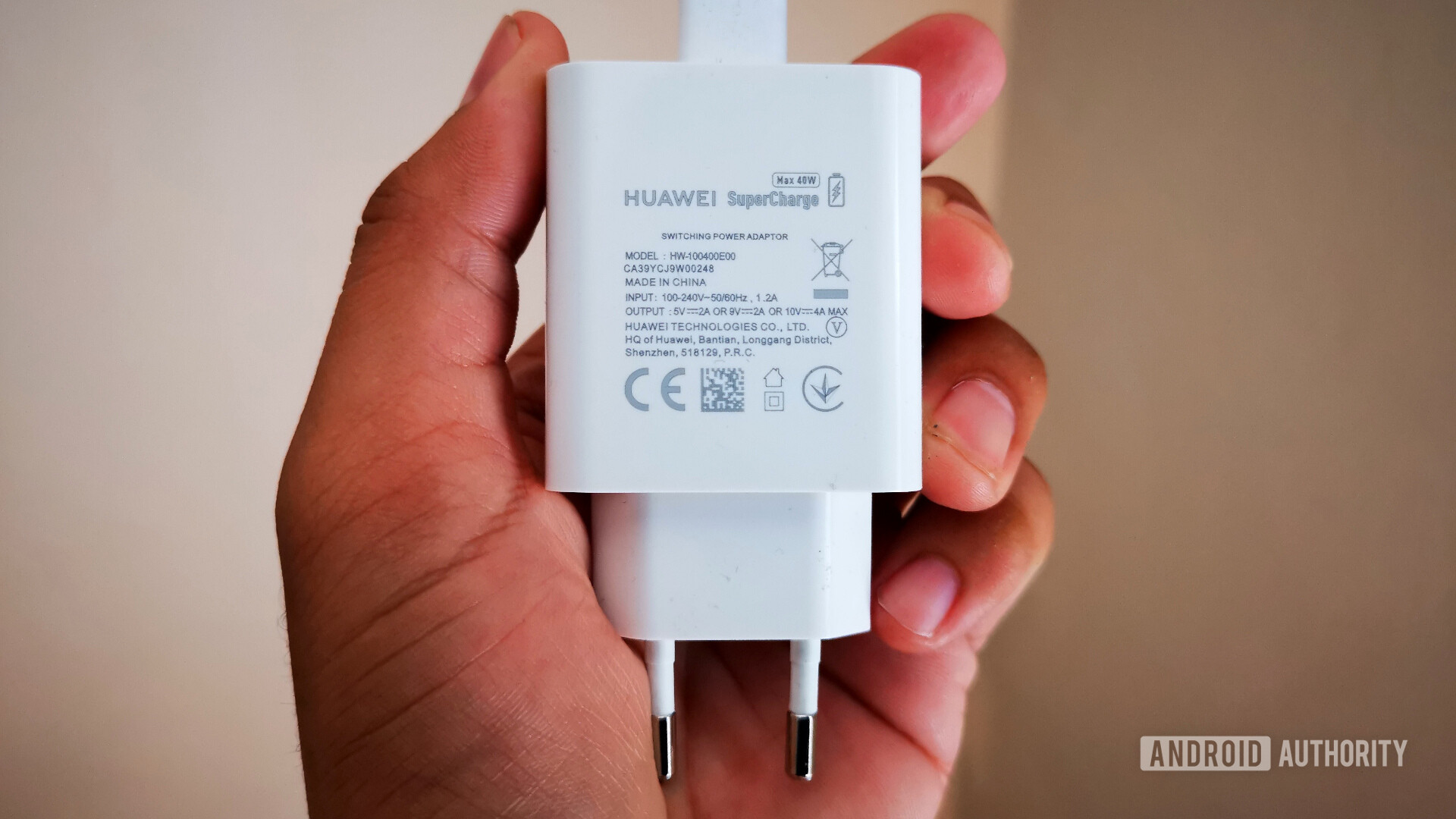
The Mate 20 series debuted 40W charging back in October 2018, and it still holds up incredibly well today. This tech means your 4,200mAh+ battery can be topped up in roughly an hour.
Related: The best wireless chargers — What are your choices?
However, the likes of Oppo and other rivals have stepped up to offer 65W charging in the past 12 months. This means you can fill up a 4,000mAh battery in just 35 minutes, as the Oppo Reno Ace shows. We’d be fine with 40W charging, but wouldn’t it be cool to see charging times of 45 minutes or less?
Bring back microSD support
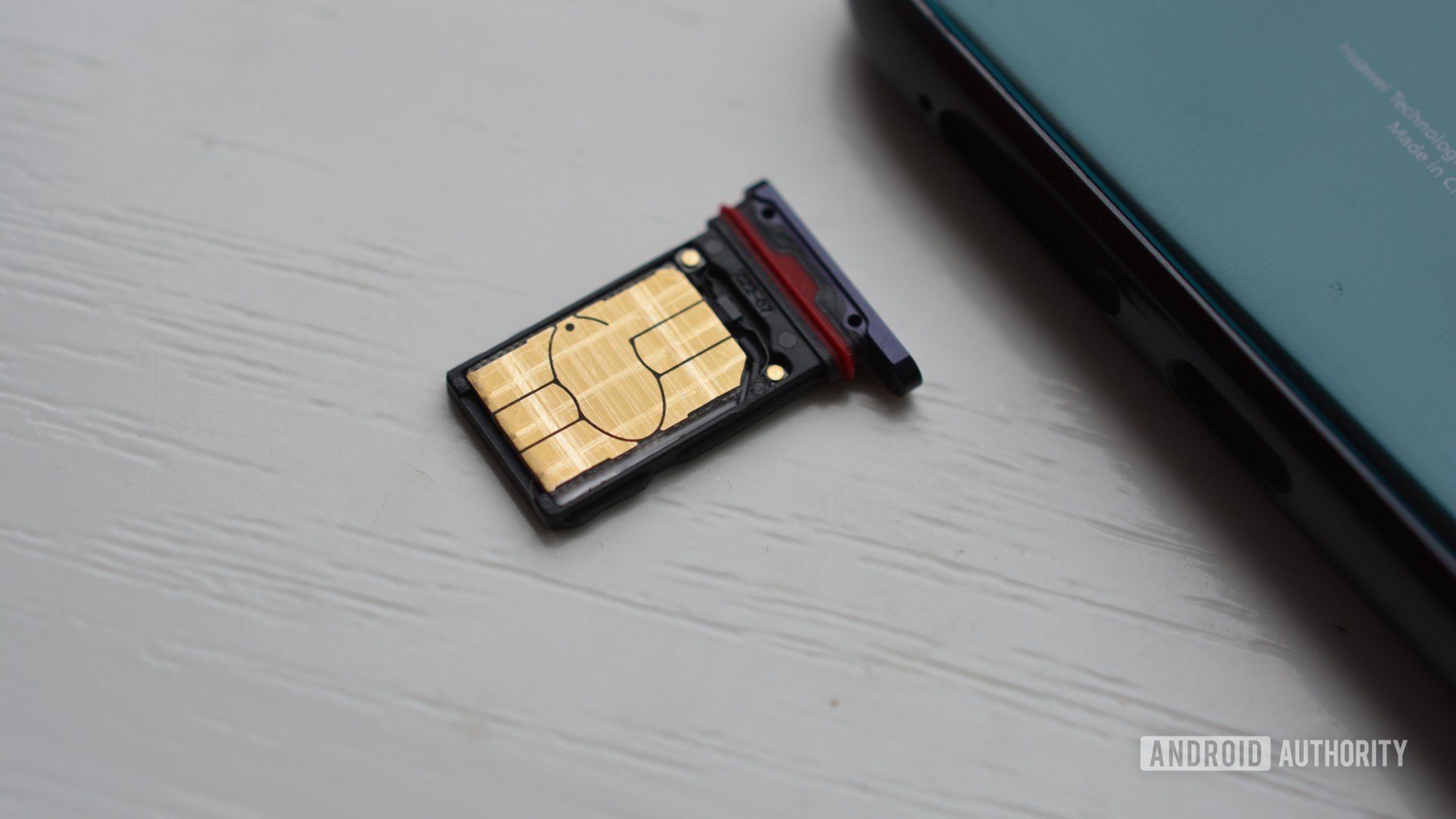
Huawei introduced Nano Memory (NM) cards back in late 2018 with the Mate 20 series launch, and it’s essentially a proprietary memory card format. For what it’s worth, the NM cards fit into a nano-SIM tray and are apparently 45% smaller than microSD cards.
But who cares when NM cards aren’t easy to find and they’re so darn expensive? For example, Amazon UK lists a 128GB card for just over £40 (~$51). Meanwhile, your typical 128GB microSD card can be had for £15 to £20 (~$19 to ~$25). What’s the point of expandable storage if you have to jump through hoops to get it? Hopefully the Huawei Mate 40 Pro returns to a standard card format, as unlikely as that might be.
More Golden Snap magic
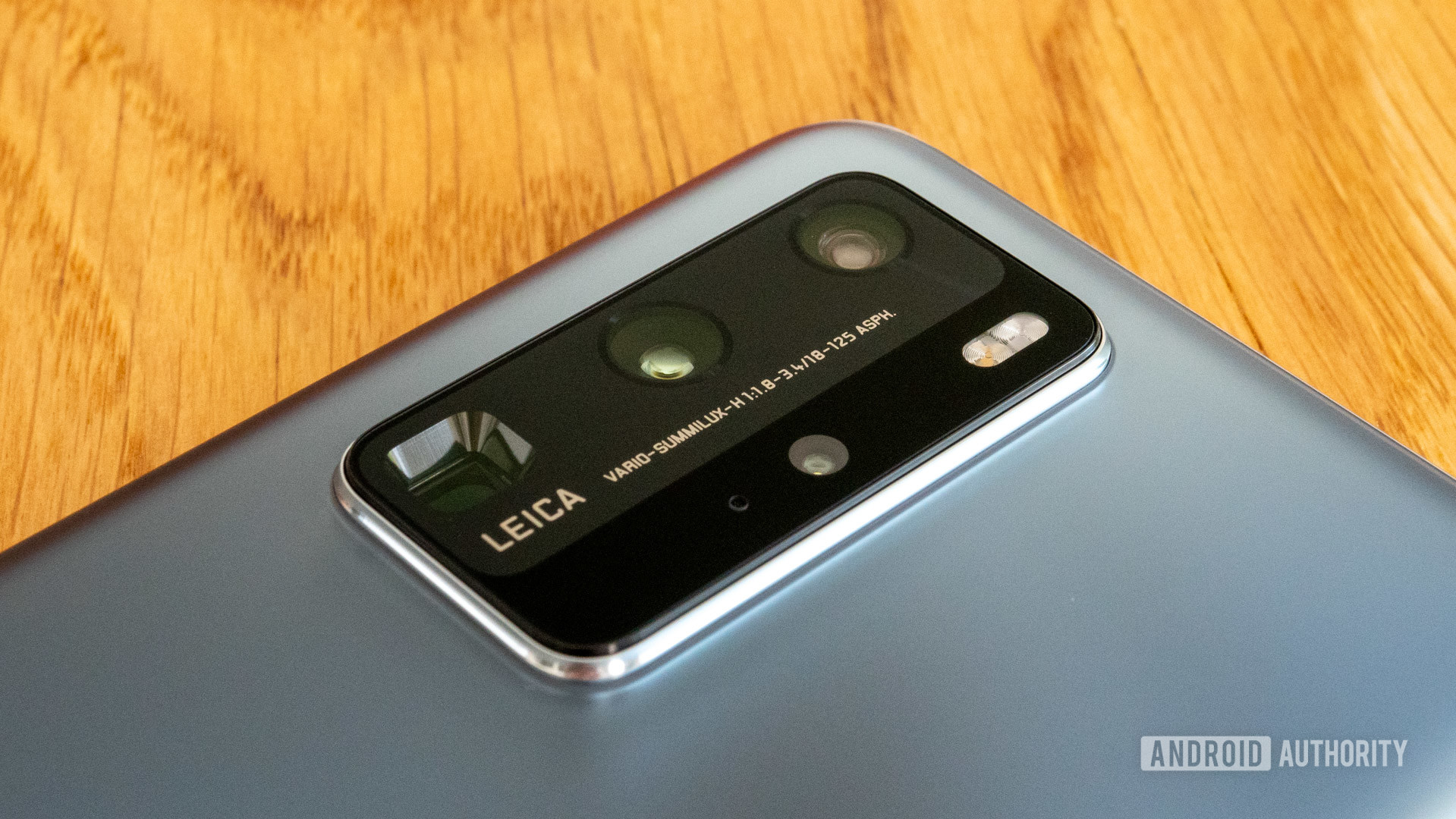
The Huawei P40 series introduced a so-called Golden Snap suite of camera-related features, and it certainly makes for crowd-pleasing tech. Some of these features include the ability to remove reflections in windows and the ability to remove people in the background. The latter isn’t new, but today’s powerful chipsets are theoretically able to do it better than ever before.
We’d love to see these features come to the Mate 40 Pro, but hopefully Huawei brings similarly innovative computational photography tricks to the table. We wouldn’t say no to a Samsung-style Single Take mode, Lumia-style Action Shots, or Pixel-inspired Dual Exposure Controls either.
from Android Authority https://ift.tt/2BLIZpM

